AT1000 device settings
Using AT1000-Interface, select Settings in the sidebar to check the selected device's status and configure it. The page header shows the device name, then its firmware version, hardware revision and calibration date (or Not calibrated). The settings are split into three tabs.
Overview
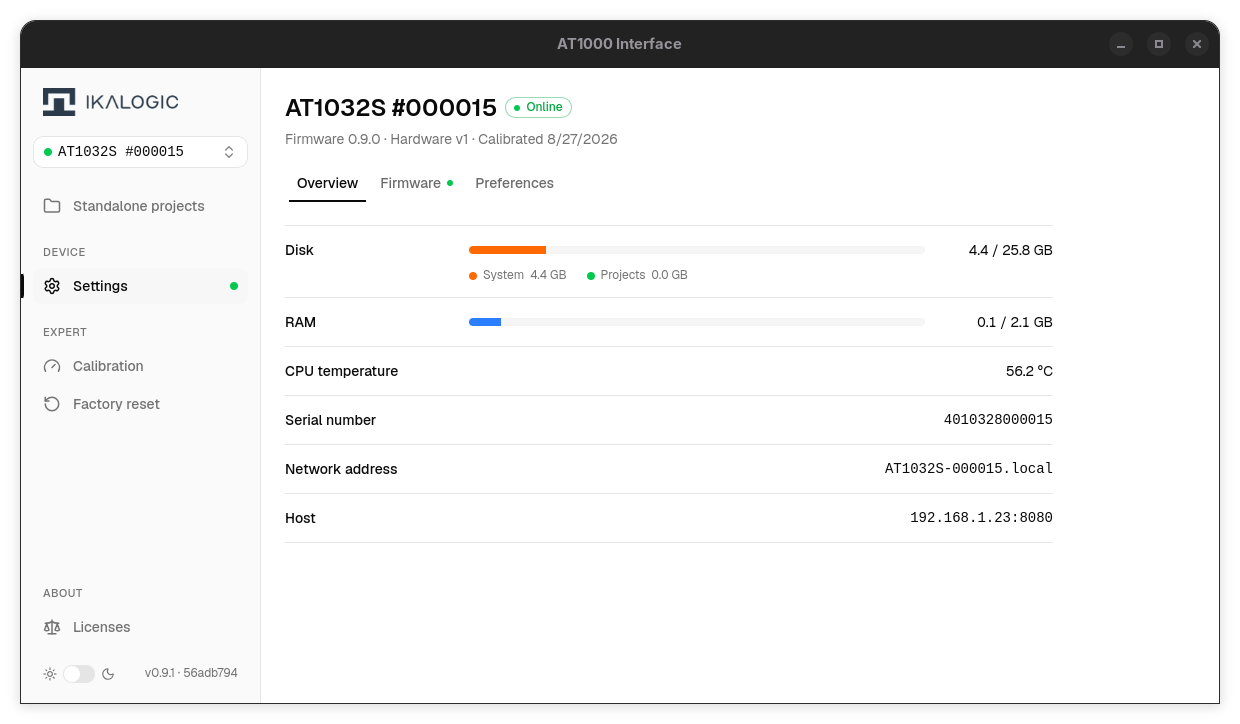
- Disk - disk usage, split between system and projects
- RAM - RAM usage
- CPU temperature
- Serial number
- Network address - the device's
.localnetwork name - Host - the address and port the interface uses to reach the device
Disk, RAM and CPU temperature refresh live while the page is open. The RAM and CPU temperature rows only appear for devices running firmware 0.4.0 or newer.
Firmware
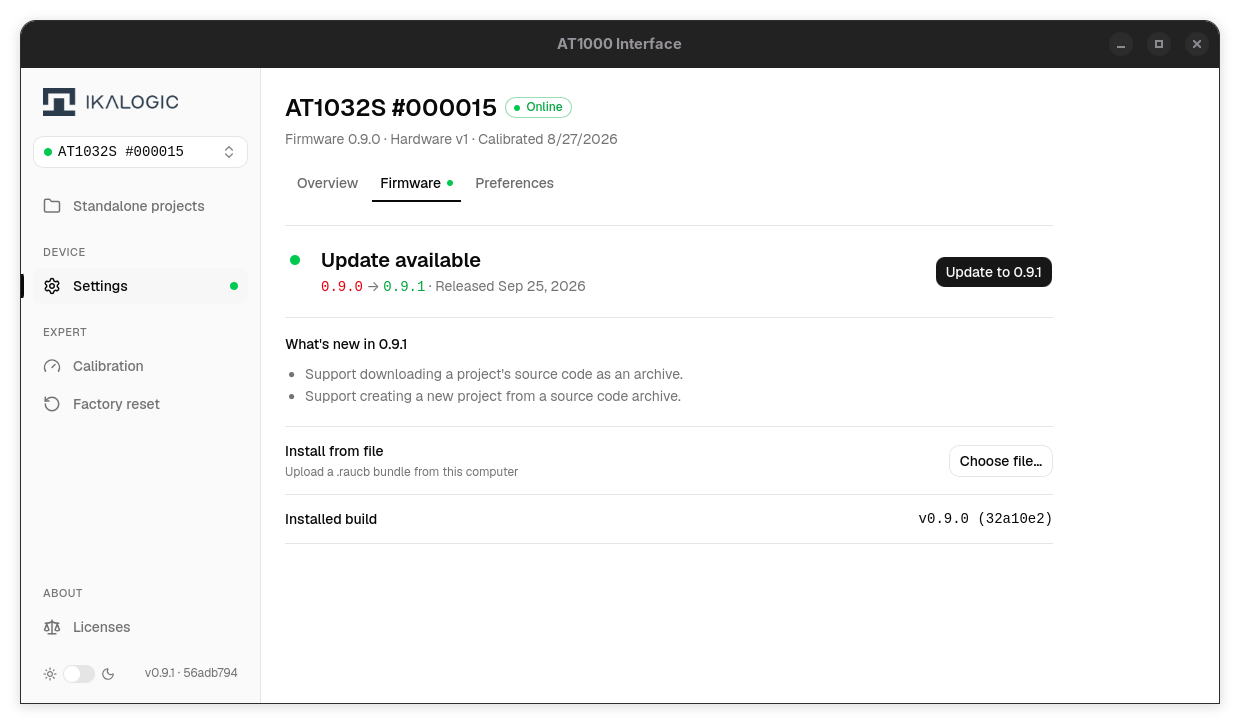
- Update status - Up to date, or Update available with the installed and latest versions and the release date. Couldn't check for updates means the update server is unreachable.
- Release notes - What's new in … for an available update, or In this version when the device already runs the latest release
- Update to … - installs the latest published firmware (shown when a newer version is available)
- Install from file - Choose file… installs a
.raucbbundle you downloaded yourself, for computers without internet access - Installed build - the firmware version and build commit running on the device
It waits for the device to confirm the new firmware booted before reporting success, and reports a rollback if the device reverts. See Updating device firmware for the step-by-step procedure.
Preferences
- Device time - Sync to this computer copies your computer's clock to the device
The dark mode switch at the bottom of the sidebar changes the AT1000-Interface appearance only.