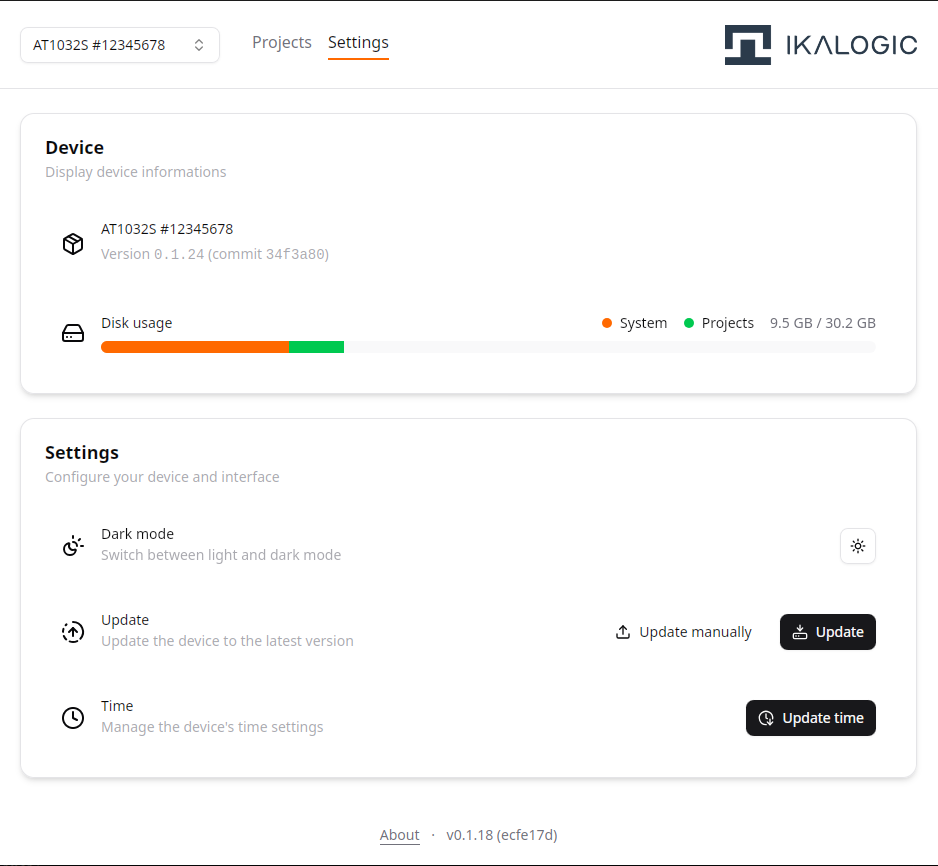
AT1000 device settings
Using the AT1000-Interface, one can configure several device settings, and check the device status.
The following information is accessible from the Device Settings panel of the AT1000-Interface utility:
- Device name
- Device firmware version
- Device serial number
- Disk usage
Currently, the following features are available to be configured from the Device Settings panel:
- Dark / Light mode (this only affects the AT1000-Interface utility appearance)
- Update the device firmware : Update can either be automatic, or manual (if you're using an offline computer).
- Set the date and time of the device