The SQ series have been discontinued and replaced by the newer SE254 Education/hobbyist oriented device.
We continue to support the SQ series, but we recommend using the SE254 series for new projects that require simple, low cost, 4 channel logic analysis. If you have any questions or need assistance with the transition, please contact us.
ScanaQuad Series
4 Channels logic analyzer
SQ series (ScanaQuad) logic analyzer lets you capture, analyze and generate logic signals on 4 channels, at sampling rates up to 200MHz. They connect via USB to a computer running our free ScanaStudio software to display, decode and analyze captured signals.
Learn more about the new SE254 check logic analyzer documentationLatest version of SQ driver is not compatible with windows 11 core isolation feature. If you are using Windows 11 with core isolation enabled, you will need to disable it in order to use SQ logic analyzer with the original driver. If you can't disable core isolation (e.g. for security reasons), you can use this utility to modify SQ Device USB PID to the default FTDI PID. This will allow you to use the SP209 with the FTD2XX driver, which is compatible with Windows 11 core isolation.
Which ScanaStudio version to use
ScanaStudio V6 does not drive the SQ series. It supports the SE254, SP259 and SP1000G series only. Use ScanaStudio V5 with an SQ device.
The range
The SQ series captures and generates logic signals on 4 channels, at sampling rates up to 200 MHz. It is made of four devices:
- SQ200
- SQ100, discontinued in 2019
- SQ50, discontinued in 2019
- SQ25, discontinued in 2019
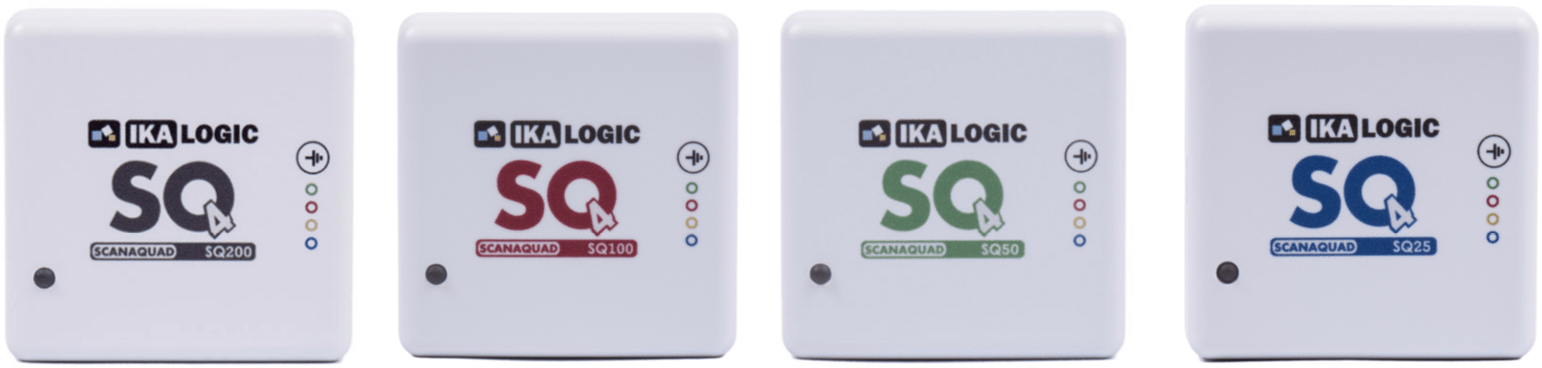
Each device measures 50 x 50 x 25 mm.
Principle of operation
The SQ connects to a computer over USB, using a mini-B cable. ScanaStudio configures the device, displays the captured signals, builds the signals to generate, and decodes protocols such as I2C, SPI or UART. An SQ can capture and generate at the same time, which is what makes it useful for stimulating a circuit and recording its response in one pass.
Memory organization
Unlike the devices that stream over USB, the SQ stores samples in its internal memory, both the ones it captures and the ones it generates. That memory is split between a capture sector and a generator sector, and you choose how much goes to each.
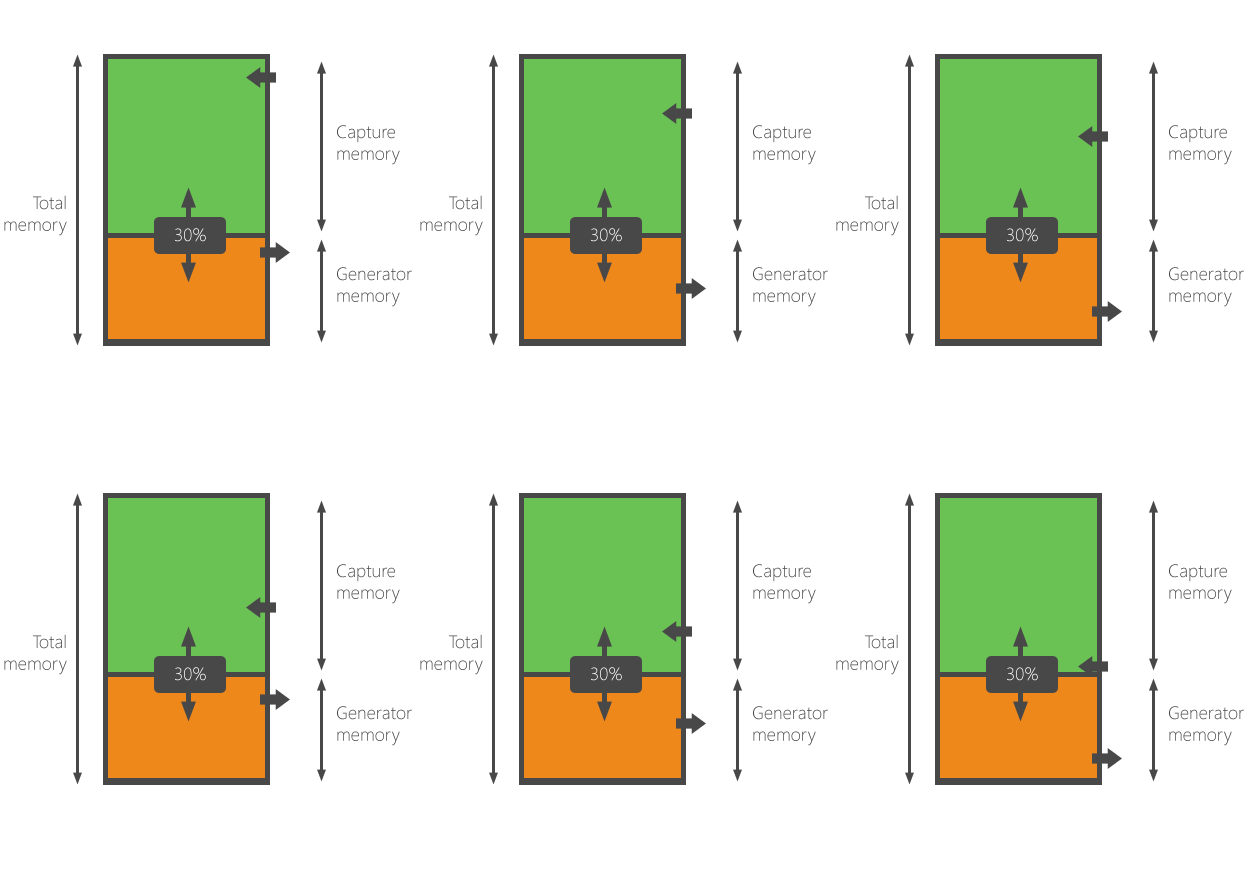
Capture memory sets the total capture time. Generator memory sets the length of the signal that can be generated, and therefore the period of that signal when it is generated in a loop.
In capture mode the whole memory is available for samples, though you may allocate only part of it. In generator mode the whole memory is available to the generator: the samples are transferred to the device, then generation starts. "Loop generated signal" decides whether the sequence runs once or repeats.

Capture and generation share one internal sampling clock, so they cannot run at different rates.
Typical applications
- Hobby electronics
- Testing and debugging Arduino systems
- Education
- Serial protocol analysis: I2C, SPI, UART, 1-Wire and others
Package content
-
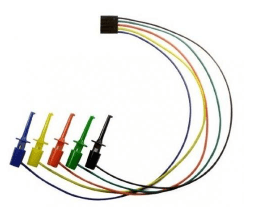
5-point hook probe set
-
0.8 m USB cable, mini-B to A

Device ports
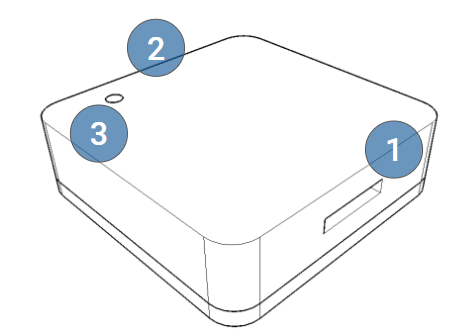
- 4-channel logic probe input: 4 channels and 1 ground
- USB, mini-B
- Status LED
Drivers
Windows
The SQ drivers ship with ScanaStudio V5 and are normally installed with it. Some system configurations need the driver installed by hand:
- Download the driver package.
- Unzip it to a known folder, for example
c:\ScanaStudioDriver\. - Connect the SQ device to a USB port.
- Open the device manager and find it. Until the driver is installed Windows cannot enumerate it properly, so it may be listed as "IKALOGIC Device", "IKALOGIC COM PORT" or "USB Serial port", usually with a yellow exclamation mark. Unplugging and replugging the device shows which entry it is.
- Right-click it and select "Update driver".
- Point the wizard at the folder from step 2 and finish the installation.
If the device is still not recognized, install the FTDI D2XX drivers.
Linux and macOS
Recent devices need no specific step and are recognized automatically.
For diagnostics, the SQ uses VID 0x0403 and PID 0x7FD0. It carries an FTDI chip loaded with
a PID specific to Ikalogic, which stops the FTDI drivers from claiming it as a serial port.
Devices made before 2019 carry the default FTDI PID, which is shared with other FTDI products.
The device compatibility wizard in ScanaStudio V5, in the settings menu at the top right,
updates the PID of such a device.
LED indications
| LED state | Meaning |
|---|---|
| Off | Not powered, or not connected to a USB port |
| Orange | Just plugged in and not yet recognized by the software, or in generator mode |
| Green | Recognized by ScanaStudio and operational |